 ( 01 / 01 )
Optoma UHDCast ProWirelessPresentation
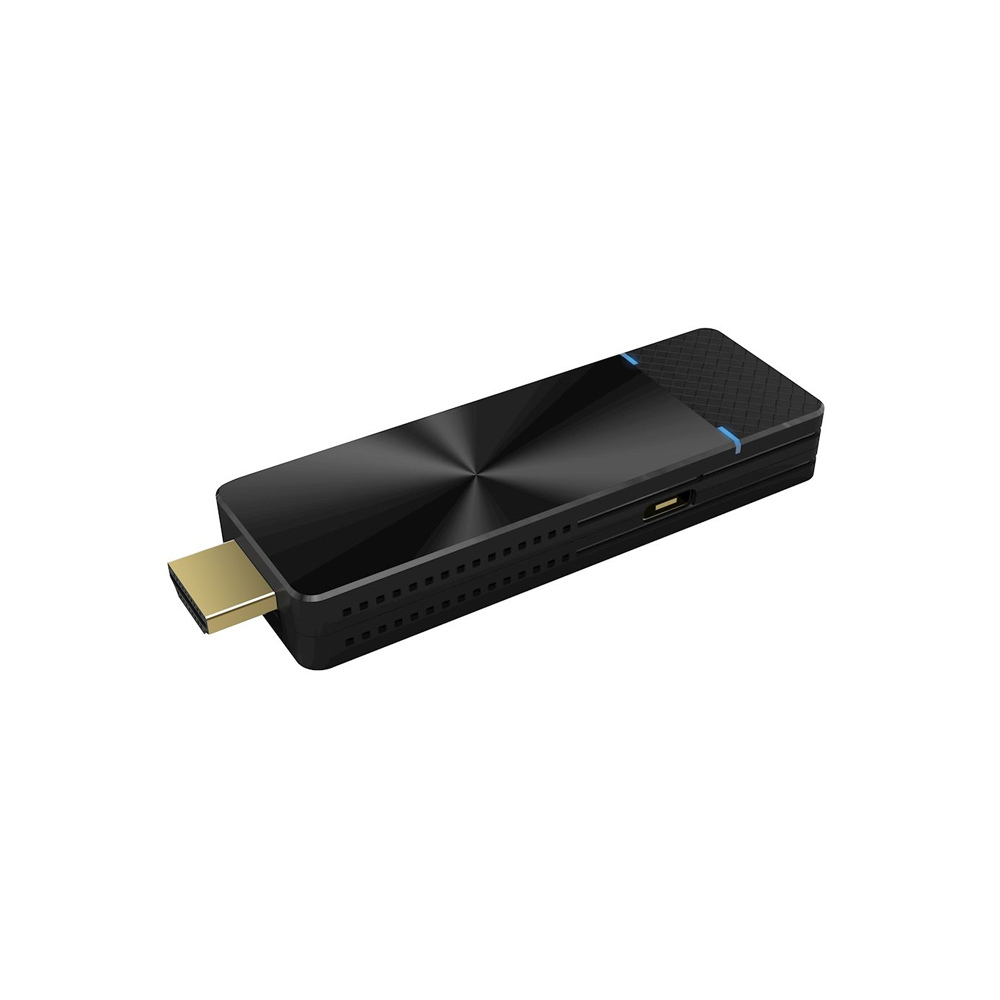
Optoma UHDCast Pro - 4K UHD Wireless Presentation Dongle
Wirelessly present documents, images, and videos in stunning 4K UHD resolution with the Optoma UHDCast Pro. Compatible with Android, Chrome OS, Windows, Mac OS, and iOS devices, this wireless presentation dongle enables seamless, cable-free sharing for professional and personal use.
Key Features
- Wireless projection from laptops and mobile devices
- Supports 4K UHD resolution for crystal-clear visuals
- Compatible with Android, Chrome OS, Windows, Mac OS, and iOS
- Mirror your laptop or Mac screen directly on the big screen
- Mirror content from Android® and iOS devices
- View photos stored on your device wirelessly
- Stream video files directly to your projector or display
- Live camera mode to stream real-time footage from your mobile device
- Draw and annotate on the projected image with multiple colours
- Split screen 4:1 to present simultaneously from up to four devices
- DLNA support to display content stored on your network
- Powered via USB-A port on projector/display or external USB adapter
Features Explained
Laptop Mirroring
Mirror exactly what’s on your laptop or Mac directly on the big screen, ideal for sharing presentations without cables.
Mobile Device Mirroring
Wirelessly mirror content from your Android® or iOS device directly to your projector or display.
Photo Viewer
Share photos stored on your device wirelessly, perfect for family and friends to enjoy holiday snaps on the big screen.
Video Streaming
Stream video files stored on your device directly to your projector or display, eliminating cable clutter.
Live Camera Mode
Turn your mobile device into a visualiser by streaming live camera footage instantly to your projector or display.
Annotations
Draw and annotate on the projected image from your mobile device using multiple colours and tools to highlight key points and engage your audience.
Split Screen 4:1
Simultaneously present content from up to four devices, perfect for collaborative meetings and idea sharing.
DLNA Support
Display content stored on your network directly to a projector or display device.
USB Power
Connect the dongle directly to an HDMI port and power it via the USB-A power port on your projector or display device, or use an external USB power adapter.
Compatibility
Compatible with Android, Chrome OS, Windows, Mac OS, and iOS devices. Note: Wireless presentation of documents is supported only from iOS devices.