 ( 01 / 01 )
JBLEXA3550007410
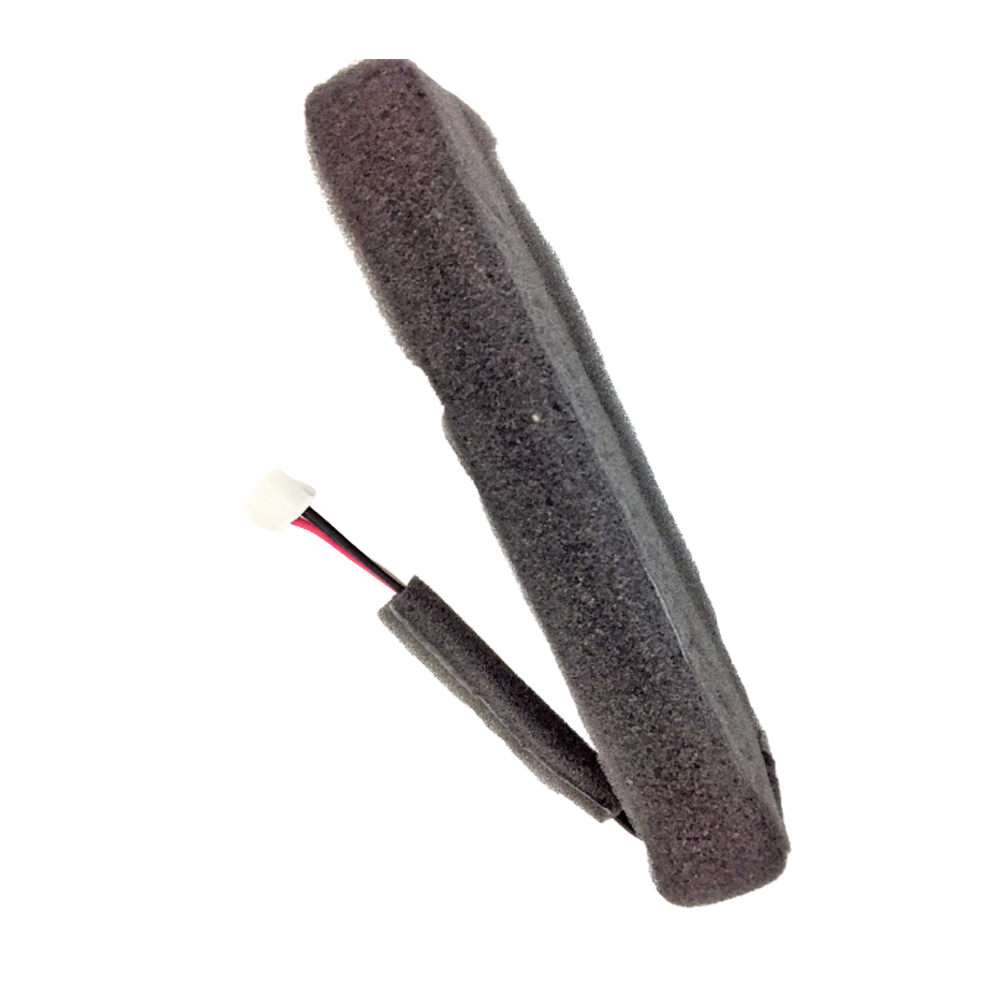
JBL Xtreme 1ReplacementBattery
R 1 700
AvailableQuantity
1
R 1 700
12 monthly paymentsfrom R 142 / month
Illustrative estimate. Final payment terms are confirmed at checkout.Delivered byFriday, 25 September
Estimated from today, excluding weekends.JBL Xtreme 1 Replacement Battery
Replace your JBL Xtreme 1 speaker's battery with this high-quality replacement to restore long-lasting power and performance. Follow the step-by-step guide to safely remove and install the battery.
Key Features
- Compatible with JBL Xtreme 1 portable Bluetooth speaker
- High-capacity replacement battery for extended playtime
- Easy installation with detailed step-by-step instructions
- Durable and reliable for long-term use
Replacement Guide
Step 1: Remove the Cover
- Locate the seams next to the 'feet' on the bottom side of the device.
- Use a metal spudger to gently pry and lift the edge of the seam. The cover is held in place with plastic snaps that will make a popping noise when disengaged. Start with the back half to expose two screws that need to be removed before lifting the front half.
Step 2: Open the Case
- Gently pull back the edges of the case, rotating along the hinge opposite the opening seam. Plastic snaps hold the cover in place.
- Remove two screws at the seam to fully detach the case without forcing.
Step 3: Remove the Bass Radiator
- Unscrew the six 9.75mm Phillips head screws holding the bass radiator in place.
- Three outer screws and one inner screw secure the radiator; remove all to lift it free.
- Repeat on the opposite radiator if necessary.
Step 4: Access the Battery
- Locate and unscrew the three 9.7mm Phillips head screws inside the zipper compartment.
- Lift the zipper panel out of the speaker; it is held by small clamps and may require gentle prying.
Step 5: Remove the Battery Cover
- Unscrew eight 9.75mm Phillips head screws under the zipper panel and carefully lift the battery cover.
- Be cautious of the small white ribbon cable connecting the battery cover to the device.
- Remove two small screws holding the cable to the cover, then gently pull to release the cover.
Step 6: Disconnect and Remove the Battery
- Locate the battery cable and gently unplug it from the motherboard.
- Carefully lift the battery free of the device, threading the cable through the hole in the case as you remove it.
For detailed visual instructions, visit the full guide at iFixit JBL Xtreme Battery Replacement Guide.