 ( 01 / 01 )
SonosSONOS-BOOST
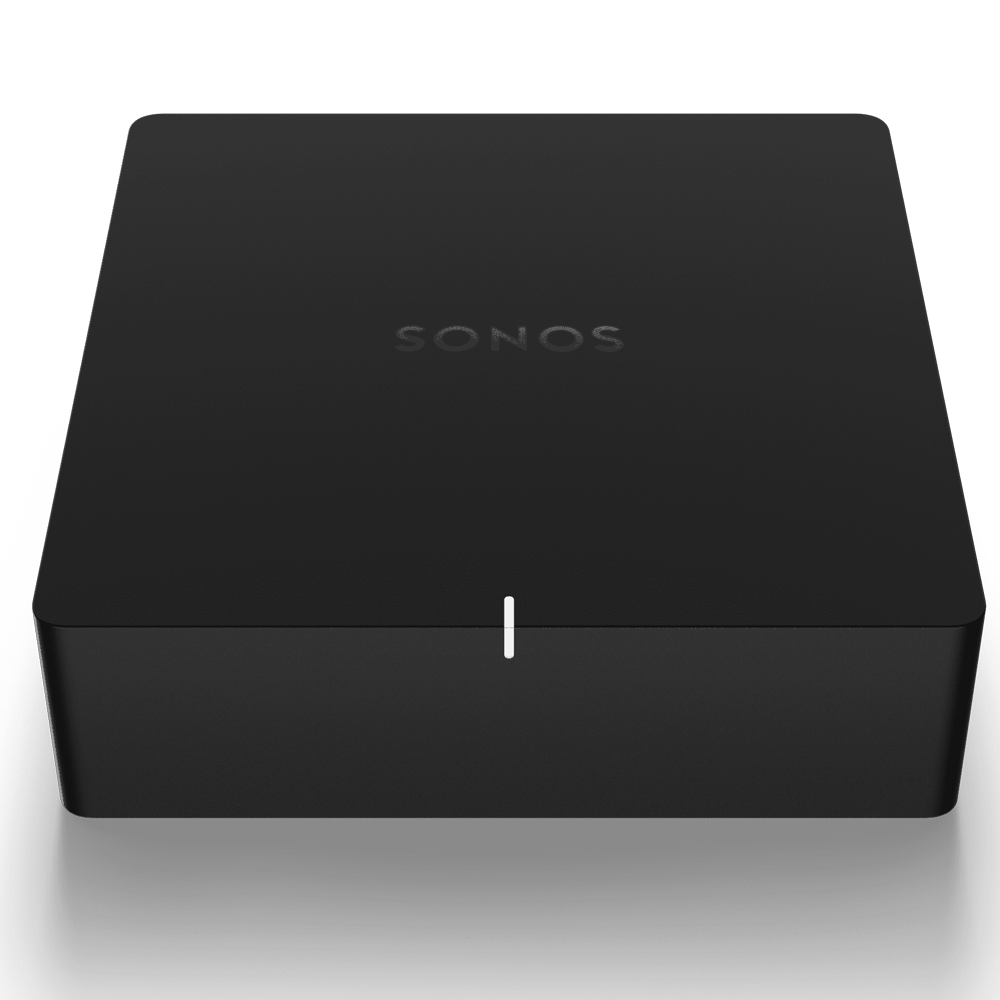
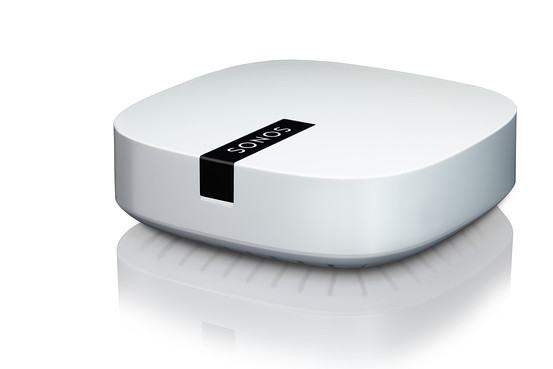
Sonos BoostEnterprise GradeBridge
Contact for availability
Sold out
12 monthly paymentsfrom R 208 / month
Illustrative estimate. Final payment terms are confirmed at checkout.Delivered byTuesday, 13 October
Estimated from today, excluding weekends.Sonos BOOST - Enterprise Grade Bridge for Sonos (UK Version)
The Sonos BOOST™ enhances your Sonos wireless network by providing dedicated, reliable coverage and improved performance for your home audio system.
When Should You Use a BOOST?
- Boost wireless performance: Connect the BOOST to your router to create a dedicated wireless network exclusively for your Sonos speakers, ideal for busy WiFi environments with streaming video, gaming, or web surfing.
- Achieve reliable coverage: Featuring three wireless antennae broadcasting 360-degree signals through walls and ceilings, the BOOST ensures flawless coverage even in remote rooms.
Getting Started with Sonos BOOST
Setting up the Sonos BOOST is simple:
- Connect the BOOST to your router using the supplied Ethernet cable.
- Place your Sonos speakers in preferred rooms.
- Download the Sonos app and follow the on-screen instructions to complete setup.
You can easily add more Sonos products to expand your system anytime.
Adding to an Existing Sonos System
The BOOST seamlessly integrates into your existing Sonos setup, expanding your wireless network to improve performance and coverage.
Home Network Requirements
For smooth playback of Internet music services, Internet radio, and digital music stored on your computer or Network Attached Storage (NAS), your home network should meet the following requirements:
- High-speed DSL, cable modem, or fibre-to-the-home broadband connection. Note: Satellite Internet may cause playback issues due to fluctuating speeds.
- If your modem is not a modem/router combo, install a router to enable Sonos automatic updates and streaming.
- A wireless router is required to use the Sonos Controller App on Android smartphones, iPhone®, iPod Touch®, iPad®, or tablets.
- Connect the Sonos BOOST to your router if you have a large home with weak WiFi or want a dedicated wireless network for Sonos devices.
- For optimal performance, connect the computer or NAS containing your personal music library to your router via Ethernet.
Key Features
- Enterprise-grade bridge to enhance Sonos wireless network
- Three wireless antennae for 360-degree signal coverage
- Creates a dedicated wireless network for Sonos speakers
- Improves wireless performance in busy WiFi environments
- Easy setup with Ethernet connection to router
- Seamless integration with existing Sonos systems